Depositing to RK ZONE with Maya: A Filipino Player's Walkthrough
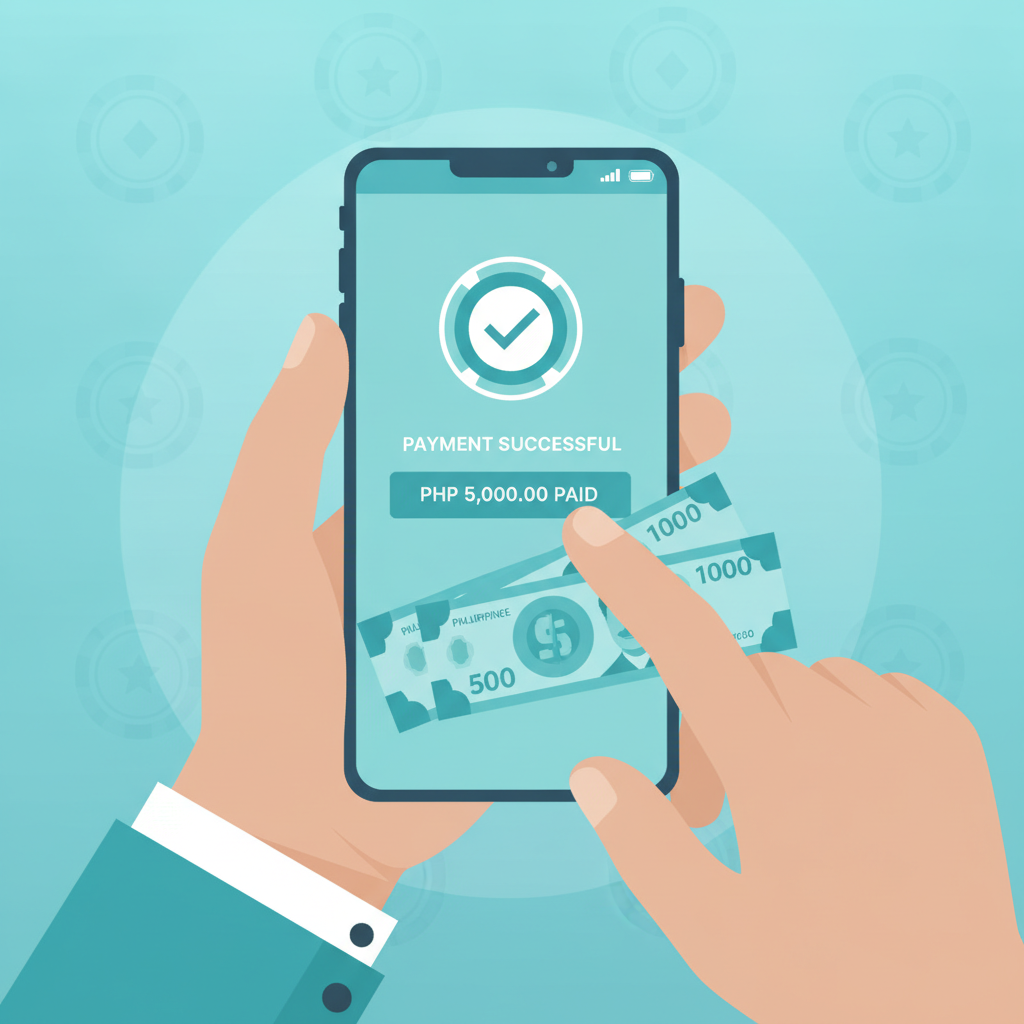
If you're new to RK ZONE and want to fund your account quickly from your phone, Maya is one of the most straightforward payment options available. This guide walks you through the entire deposit process—from logging in to RK ZONE, selecting Maya as your payment method, confirming the transaction, and checking that your funds arrive.
This guide is for players aged 21 and over. Deposit only what you can afford to lose, and seek help if betting stops being entertainment.
Why Maya is a convenient option for RK ZONE deposits in the Philippines
Maya (formerly PayMaya) is widely used across Metro Manila and the provinces, making it a natural fit for Filipino players who want to top up their RK ZONE account without visiting a bank or remittance center.
Here's why many players choose Maya for RK ZONE deposits:
- Mobile-first experience: Maya lives on your smartphone. You can load your Maya wallet at 7-Eleven, through bank transfer, or by linking a debit card, then deposit to RK ZONE in a few taps.
- Instant or near-instant processing: Most Maya deposits land in your RK ZONE balance within seconds to a few minutes, so you don't have to wait long before placing your first bet on PBA, spinning a slot, or joining a live dealer table.
- No need to share banking details repeatedly: Once you've verified your Maya account, every deposit to RK ZONE uses the same wallet. You're not entering card numbers or bank account details each time.
- Peso transactions with transparent fees: You deposit in PHP, and Maya's interface shows any service fees upfront—no surprise currency conversions or hidden charges.
If you already use Maya for bills, online shopping, or remittances, adding RK ZONE deposits to that workflow is simple. If you're brand new to Maya, you can download the app from Google Play, register with your mobile number, and complete basic verification (selfie and valid ID) before funding your wallet.
Step-by-step: accessing the deposit page, selecting Maya, and entering your amount
Once your RK ZONE account is registered and verified, follow these steps to make your first Maya deposit. The process takes less than five minutes from start to finish.
1. Log in to your RK ZONE account
Open RK ZONE on your mobile browser or app. Tap the Login button at the top-right corner and enter your registered mobile number (or username) and password. If you haven't registered yet, you'll need to complete RK ZONE register first—check the site's sign-up guide for that walkthrough.
2. Navigate to the deposit or cashier page
After logging in, look for a button labeled Deposit, Cashier, or a wallet icon. This is usually located in the top menu or your account dashboard. Tap it to open the list of payment methods RK ZONE accepts in the Philippines.
3. Select Maya from the payment options
You'll see a grid or list of e-wallets and banking channels. Tap Maya (sometimes labeled "PayMaya" on older interfaces). The screen will refresh to show Maya-specific instructions.
4. Enter your deposit amount in pesos
A text box will ask you to type the amount you want to deposit. RK ZONE typically sets a minimum deposit around PHP 100 and a maximum that varies by payment method—often PHP 10,000 to PHP 50,000 per transaction for e-wallets.
Tips when choosing your amount:
- Start with the minimum (PHP 100) if this is your first deposit. It's a low-risk way to test the process and explore the platform.
- Check your Maya wallet balance before confirming. If you try to deposit PHP 500 but only have PHP 300 in Maya, the transaction will fail.
- Remember that this is entertainment money. Only deposit what you can afford to lose, and never chase losses by topping up impulsively.
Once you've entered the amount, tap Next, Continue, or Proceed. RK ZONE will generate a payment reference or redirect you to confirm the transaction details.
5. Review the transaction summary
Before finalizing, you'll see a summary screen showing:
- The deposit amount in PHP
- Any processing fee (often none for Maya, but always check)
- Your RK ZONE account username or ID
- A reference number or order ID
Double-check that the amount matches what you intended. If everything looks correct, tap Confirm or Submit.
Confirming the transaction in your Maya app and verifying the deposit in RK ZONE
After you confirm the deposit on RK ZONE, the platform will redirect you to Maya or prompt you to open the Maya app on your phone. Here's what happens next.
1. Authenticate in the Maya app
Your Maya app will launch (or you'll receive an in-app notification). You'll see a payment request from RK ZONE showing the exact peso amount.
- Review the merchant name and amount: Confirm it matches your RK ZONE deposit.
- Approve the payment: Depending on your Maya security settings, you may need to enter your PIN, use fingerprint unlock, or confirm via face recognition.
- Wait for the success message: Maya will display a confirmation screen with a transaction ID. Screenshot this for your records—it's useful if you need to contact RK ZONE support about the deposit.
2. Return to RK ZONE to check your balance
Once Maya confirms the payment, you'll usually be redirected back to the RK ZONE app or browser tab automatically. If not, manually switch back.
- Tap the Wallet, Balance, or Account icon to refresh your current peso balance.
- In most cases, your deposit appears within 10 to 30 seconds. You'll see the new balance reflected, and you're ready to play slots, join a live baccarat table, or place a bet on the next PBA game.
If your balance hasn't updated immediately, wait a minute and pull down to refresh the page. Mobile connections in some provinces can introduce a short delay, but deposits almost always arrive within five minutes.
Typical processing times and what to check if your deposit doesn't appear immediately
Maya deposits to RK ZONE are normally instant or near-instant. However, a handful of factors can cause brief delays.
Standard processing window
- Instant to 5 minutes: The vast majority of Maya deposits land in this window.
- 5 to 15 minutes: Possible during high-traffic periods (weekend evenings, major sports events, or holidays).
- 15 minutes to 1 hour: Rare, but can happen if Maya or RK ZONE experiences a temporary technical issue.
What to do if your deposit hasn't appeared after 15 minutes
- Check your Maya transaction history: Open the Maya app and tap Transactions or History. Confirm that the payment to RK ZONE was debited from your wallet. If the status says "Pending" or "Failed," the issue is on Maya's side—contact Maya support.
- Verify the amount and reference number: Make sure the peso amount you entered matches the amount debited. If there's a mismatch, you may have accidentally submitted two requests.
- Refresh your RK ZONE balance: Log out and log back in, or close and reopen the app. Sometimes the display lags even though the funds have arrived on the back end.
- Contact RK ZONE customer support: Use the live chat or help center in your account. Provide your Maya transaction ID, the deposit amount, and the date and time. Support can trace the payment and credit your balance manually if needed.
Important: Never deposit twice to "fix" a missing deposit. Wait at least 30 minutes and check with support first. Duplicate payments can complicate refunds and account reconciliation.
Deposit responsibly and only what you can afford (21+ age requirement)
RK ZONE offers slots, live dealer games, sports betting on PBA and NBA, and other forms of online gambling. All of these activities carry risk. The house edge means that, over time, most players will lose more than they win.
Before you deposit with Maya—or any payment method—ask yourself:
- Is this money I can afford to lose without impacting rent, bills, food, or family obligations?
- Am I depositing to have fun, or am I trying to recover past losses?
- Have I set a daily, weekly, or monthly budget for online betting?
RK ZONE is for players aged 21 and over only. If you are under 21, do not register or deposit. If gambling is causing stress, debt, or relationship problems, reach out to a local support organization or use RK ZONE's responsible-gambling tools (deposit limits, self-exclusion) to take a break.
Betting on sports and playing casino games should be entertainment, not a source of income. Keep deposits small, especially when you're still learning how RK ZONE works. Starting with PHP 100 or PHP 200 gives you enough balance to explore slots, try a few live dealer hands, and place a sports bet or two—all without overcommitting your budget.
Ready to make your first Maya deposit?
Depositing to RK ZONE with Maya is fast, secure, and designed for mobile users across the Philippines. Once you've completed RK ZONE register and verified your account, you can top up your balance in under five minutes and start exploring slots, live tables, or sports markets.
Quick recap:
- Log in to RK ZONE and navigate to the deposit page.
- Select Maya, enter your desired amount in pesos (minimum PHP 100), and confirm.
- Approve the payment in your Maya app using your PIN or biometric login.
- Return to RK ZONE and check your updated balance—usually within seconds.
- If the deposit is delayed, wait 15 minutes, check your Maya history, and contact RK ZONE support if needed.
Remember to deposit only what you can afford, keep your login details secure, and enjoy RK ZONE responsibly. You must be 21 or older to play.